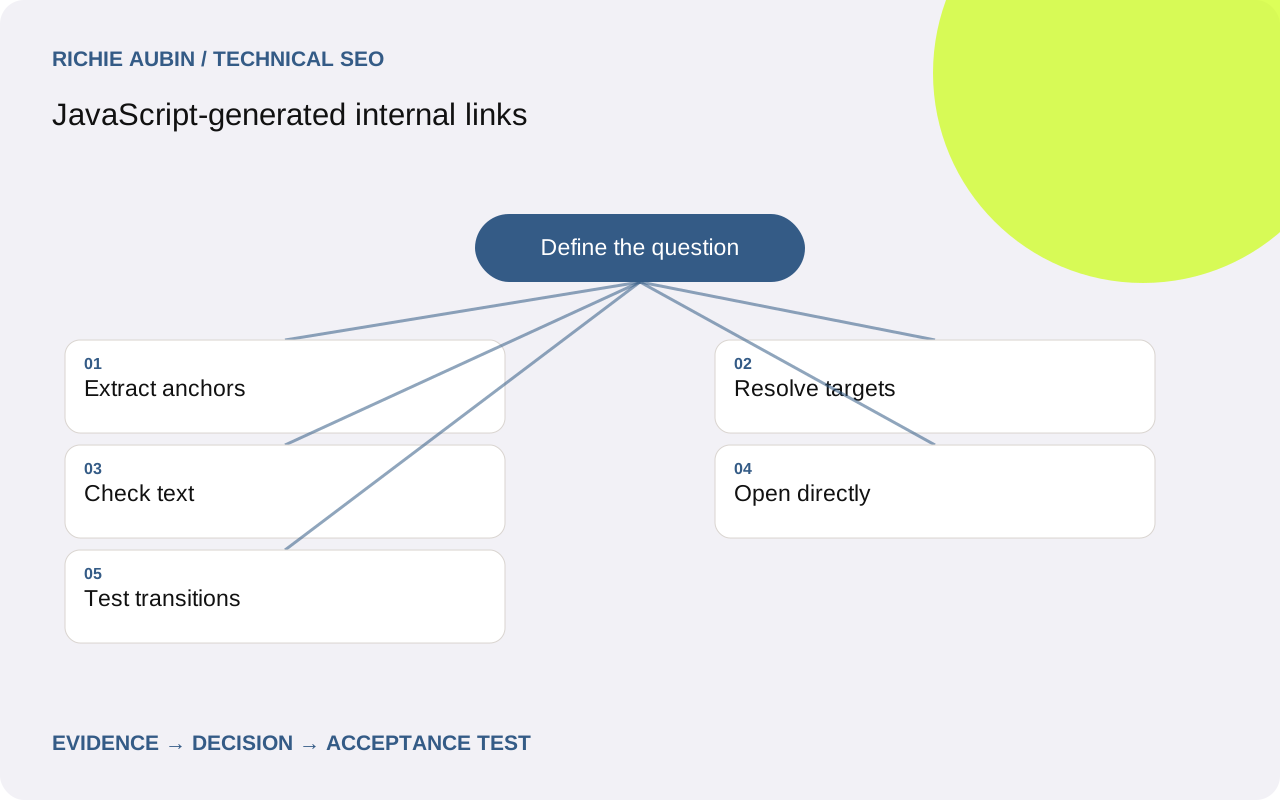
Define the link contract before inspecting components
For navigation to another public resource, use an anchor with a usable href and meaningful text. Google’s documentation identifies that pattern as the reliable basis for extracting links, including anchors inserted by JavaScript. Event handlers can enhance the journey, but a click callback alone does not provide the same destination evidence.
Start with the purpose of the control. A button that opens a local panel is an action; a course card leading to a course page is navigation. Do not convert every interactive element into a link for an audit score. Make the semantic choice fit the action, then assess public navigation against the destination requirement.
List the components that create discovery paths: primary menus, article cards, category lists, pagination, breadcrumbs and related content. A failure in a shared card may affect many routes even when the main menu is sound. The broader site architecture guide helps evaluate which paths the website actually needs, beyond whether individual controls look clickable.
Inspect the final anchor, not the component name
A component called Link may produce a correct anchor, a span or a placeholder depending on its props and framework configuration. Inspect the actual response and rendered DOM. Record the raw href, resolved destination and visible text. Do not infer output from source-code naming or from a successful click during manual navigation.
Check for empty href values, hash-only substitutes, javascript destinations and custom router attributes without a real href. Distinguish fragment navigation within a document from separate content routes. A table-of-contents link to an existing section is legitimate; a fragment pretending to identify a separate product needs a different routing decision.
Confirm that relative addresses resolve under the real page URL and any base element. A link that works from one nested route can point elsewhere from another. Include trailing-slash and locale variants in the sample where they change resolution. The useful finding names the incorrect destination, not merely the fact that relative links exist.
Create an evidence checklist for generated navigation
Save the source URL, component location, response anchor, rendered anchor, resolved target, link text and destination status. Add a screenshot where the visual control differs from its semantic markup. Record whether the link exists on a fresh direct visit, after a menu opens or only after a content request finishes.
Extract links by component region rather than combining every href into a flat total. A footer can produce hundreds of valid destinations while a category listing exposes none. Compare intended destinations with extracted ones for a known record set. That shows whether the essential discovery path works rather than rewarding the page for unrelated navigation.
Inspect a working sibling and a failing instance of the same component. Data shape, missing slugs and locale selection can explain isolated failures. Keep a clean-session browser and a response-only observation so you can identify links that depend on script execution. Use the JavaScript audit workflow when the defect crosses several templates.
Test the destination outside the current application state
Copy the target and open it in a fresh context. Verify the document status, final address, page identity and main content. Then refresh the destination. A router may make a click appear successful while the server cannot resolve the same path directly. The anchor is only half the contract if its public destination fails.
Test back and forward navigation between two records with distinct titles and body text. Look for stale metadata, duplicate history entries and content from the preceding route. Those behaviours may not prevent extracting a URL, but they can make the destination unreliable and complicate testing. Keep link discovery and route correctness as separate assertions.
The History API changes browser history; using pushState does not itself make the server serve the new route. Agree a direct-entry mapping for public addresses. Where the interface changes only a temporary filter state, decide whether it should create a discoverable URL at all. Avoid exposing every application state simply because the router can serialise it.
Control discovery without breaking useful paths
Generated lists can expose enormous combinations of filters, sorting and pagination. Separate required content discovery from optional state exploration. A valid anchor can still lead into a wasteful space, and removing all links can strand useful records. Assess the destination set against the intended architecture rather than treating more links as automatically better.
For paginated content, provide a coherent route through the underlying records and verify direct access to later pages. For infinite interfaces, establish an accessible sequence of addressable content pages rather than depending exclusively on a load-more action. The detailed guides to pagination and infinite scroll cover those architecture decisions.
Keep excluded or private destinations out of public navigation where appropriate, but do not use broken href values as a control mechanism. A placeholder that needs a click handler to discover its real target makes behaviour harder to reason about. Specify which public destinations should be linked and apply deliberate indexing and access rules separately.
Illustrative example: clickable cards expose no destinations
Imagine an illustrative services directory where category cards are div elements with click handlers. People can browse through the application, but an anchor extraction finds only header and footer links. Competing explanations include a delayed data request, a crawler snapshot issue and a card component that never emits navigation markup.
The category data is present and the cards remain div elements after the page settles. Clicking one calls the router with a valid service path. A direct request to that path works. These observations isolate the defect to link markup rather than route delivery or missing content. There is no need to rebuild the whole application to state the requirement.
The correction renders an anchor for the card’s primary destination, with descriptive text and normal keyboard behaviour. Optional card actions remain separate controls. Acceptance checks extraction, open-in-new-tab, direct entry and browser history. The example demonstrates a component repair; it does not claim a measured crawl increase, ranking gain or indexing outcome.
Specify acceptance for markup, text and destinations
For each navigation component, require a usable href, appropriate link text and the intended target. Confirm no interaction is required to invent the destination of essential public links. Where an anchor is inserted during normal rendering, verify the rendered markup and ensure its data dependency works anonymously. Record which state the test covers.
Require the destination to work on a direct request and refresh with the expected content and metadata. Include an unknown target and a missing slug case so the component cannot silently emit placeholder links. Test keyboard activation and opening in a new tab, because these interactions reveal event handling that assumes one narrow click path.
For shared components, sample different content lengths, locales and missing optional fields. A visually hidden text label should not become an excuse for misleading visible navigation; both should identify the destination coherently. Keep a component-level test and a production route check. The former catches markup regressions, while the latter catches deployment and data differences.
Avoid misleading link counts and plan a safe release
A crawler may extract a URL from embedded data even when no usable anchor exists. Do not count that as equivalent markup. Likewise, a rendered link count can include hidden duplicates, account controls or parameter combinations that add little discovery value. Inspect representative extracted records and map them back to their actual component and purpose.
Some navigation appears only when a menu opens. Evaluate the importance of those destinations and whether another stable path exists, rather than assuming every hidden panel creates the same risk. A single direct route failure can also be a deployment issue unrelated to the component. Confirm the cause before grouping all symptoms under JavaScript links.
Preserve old router and component versions before release. Changing event handling can break analytics, nested actions or history even while anchor extraction improves. Roll back a compatible component and routing configuration together, then retest direct entry. Avoid reverting useful anchors as an isolated emergency change without checking the navigation behaviour that users actually receive.
Frequently asked questions
Are JavaScript-inserted anchors inherently unreliable?
No. The important checks concern their final markup, when they become available and whether their destinations work. An automatically rendered anchor with a usable href follows the documented pattern. A click handler that never exposes a destination is a different implementation, even when both controls look identical to a visitor.
Does a router component need a normal href?
Inspect what it emits. For public navigation, a real destination in an anchor makes extraction and ordinary browser behaviours reliable. Framework-specific properties are implementation inputs, not evidence of final markup. Verify direct entry, refresh and open-in-new-tab so the router does not depend on state from the source page.
Should every card be one large link?
Choose a clear primary navigation pattern without creating invalid nested controls. Cards with secondary actions may need a descriptive title link and separate buttons. The SEO requirement is an available meaningful destination, not a particular visual hit area. Review keyboard behaviour and the actual document structure alongside link extraction.
Can more internal links make discovery worse?
Uncontrolled combinations can expose a large low-value URL space and obscure the intended paths. Assess which destinations deserve stable discovery, especially in filtered listings. A link audit should examine destination quality and coverage, not simply maximise totals. Preserve coherent routes to useful records while controlling optional application states deliberately.