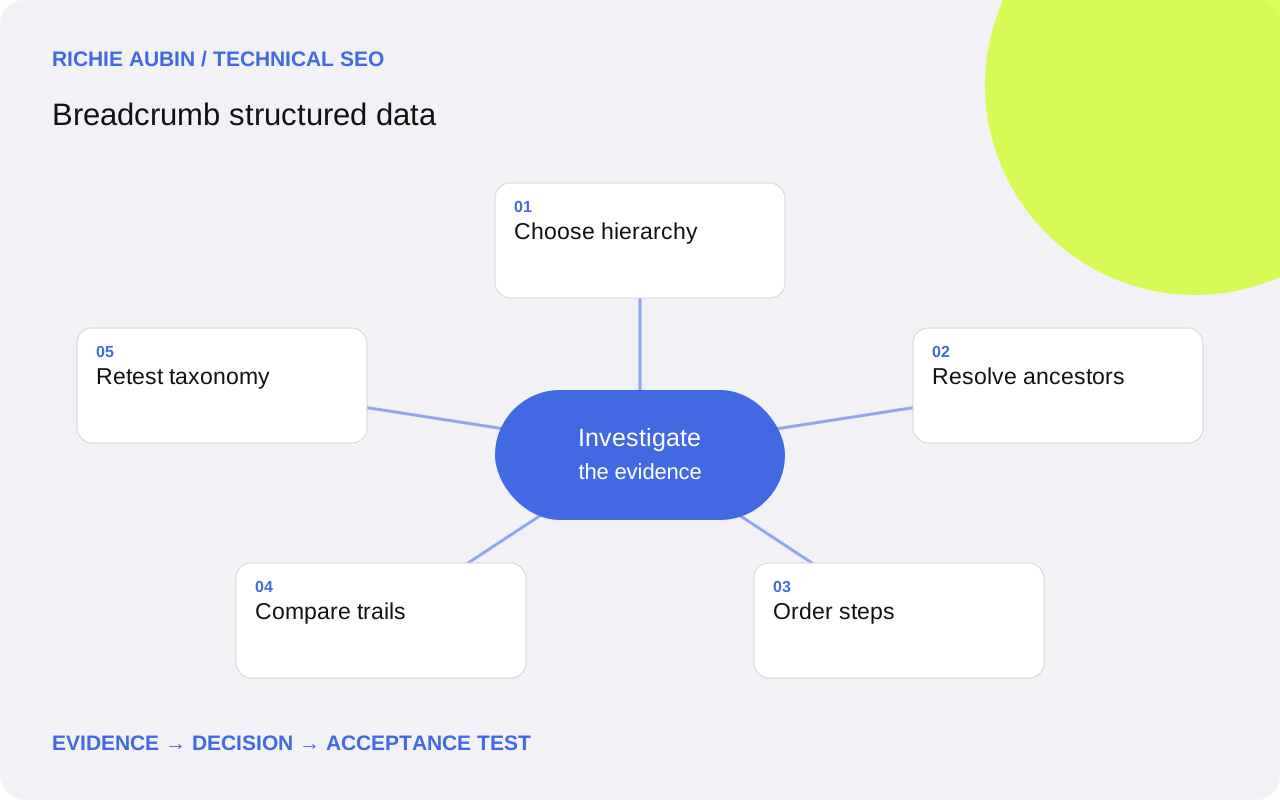
Model a useful navigation path rather than a URL string
Breadcrumb structured data describes a page’s position in a navigational hierarchy. Start with the route a reader would sensibly follow through the site. A path assembled by splitting the URL can produce meaningless labels, nonexistent category pages or a hierarchy that differs from the actual navigation. Choose the information architecture first.
Google’s current breadcrumb guidance recommends a typical user path rather than a literal reflection of URL folders. It does not require the domain-level page or the current page to appear as separate list items. Include those steps when they help represent the chosen hierarchy, not merely to satisfy an assumed universal pattern.
The website architecture guide provides the broader context. Breadcrumb markup should describe a coherent trail; it cannot repair confusing navigation on its own. Google currently documents the breadcrumb feature for desktop Search. Do not promise that the same visual treatment will appear on mobile or that a valid trail will always be selected.
Create an evidence checklist for trail generation
For each template, save the visible trail, structured data, canonical page URL and every ancestor destination. Record the source of category relationships and labels, the generator owner and release version. Include pages with shallow hierarchies, multiple categories and renamed parents. These cases reveal assumptions that a single deep article does not expose.
Check destinations directly. A parent label should refer to a real, useful page when it is linked. Capture redirects, final status and whether the target is appropriate for the intended audience. A syntactically valid item URL can still lead to an obsolete category, a filtered duplicate or an unrelated section.
Keep a trail policy alongside the content model. State how the primary path is selected, how translations are handled and what happens when a category is removed. Avoid using a visitor’s session history as the permanent public hierarchy. Reproducible trails make both automated testing and editorial review more reliable than output that changes according to referral or previous navigation.
Implement ordered ListItem objects with clear destinations
A BreadcrumbList contains an itemListElement array of ListItem objects. Google’s breadcrumb feature requires at least two list items. Each step needs its position in the sequence and an appropriate name; item identifies the page represented by that step. Use ascending integer positions starting at one, and keep them aligned with the displayed order.
For a straightforward JSON-LD implementation, provide explicit text names and absolute destination URLs. Google permits item to be omitted from the final breadcrumb, in which case it uses the containing page’s URL. Making the final destination explicit can still simplify your own comparison checks when it is correct and consistent.
Use a JSON encoder and one shared trail data structure for the visible navigation and machine-readable output. That reduces independent label drift. The JSON-LD guide covers safe serialisation. A shared source does not remove the need to test, because an incorrect category record can produce matching but equally wrong visible and structured trails.
Handle multiple hierarchies and special page states
A page can belong to more than one legitimate navigational hierarchy. Google’s documentation shows multiple breadcrumb trails as a supported pattern. Model separate complete trails when each genuinely helps describe the page; do not concatenate two unrelated paths into one list. Decide whether the visible interface supports one preferred path or several useful routes.
For paginated listings, ensure labels and destinations make sense for the current page. For filtered views, establish whether the filter is part of a stable public hierarchy or a temporary interface state. Avoid creating a breadcrumb ancestor for every parameter combination simply because the application can generate it.
Review shallow pages honestly. If there is no meaningful two-step trail, do not invent a category to satisfy the feature’s minimum item count. The visible navigation can remain useful without specialised markup. A breadcrumb is a description of architecture, so the absence of an appropriate trail can be a legitimate outcome rather than an implementation failure.
Keep breadcrumbs aligned during URL and taxonomy changes
Taxonomy changes can break trails even when article URLs remain unchanged. A renamed category may leave stale labels in a cached graph, while a merged category can leave links pointing through redirects. Update the relationship record and verify both navigation and structured output after the change. Do not restrict migration QA to the article’s canonical URL.
Inspect destination conventions consistently: scheme, host, language prefix and trailing slash where applicable. Prefer the intended final public destination in the trail. Redirects can provide continuity for old addresses, but deliberately emitting old destinations makes the hierarchy harder to maintain and introduces unnecessary steps for readers.
Use canonical URL checks where duplicate category variants complicate destination choice. A breadcrumb item is not a canonical directive. It should express the chosen navigation path without contradicting the site’s intended URL identity. Keep a migration mapping for ancestor pages so a later rollback does not quietly restore obsolete paths.
Illustrative worked example: a guide under a topic hub
This illustrative example uses a fictional guide library at example.com. The visible navigation leads from a technical library to a structured data hub and then to a breadcrumb guide. The labels and URLs are demonstration values, not a claim about a deployed client website or its search results.
{
  "@context": "https://schema.org",
  "@type": "BreadcrumbList",
  "itemListElement": [
    {"@type": "ListItem", "position": 1,
     "name": "Technical library", "item": "https://example.com/library/"},
    {"@type": "ListItem", "position": 2,
     "name": "Structured data", "item": "https://example.com/library/structured-data/"},
    {"@type": "ListItem", "position": 3,
     "name": "Breadcrumb guide", "item": "https://example.com/library/breadcrumbs/"}
  ]
}
Acceptance requires the visible trail to express this same hierarchy, both ancestor destinations to open directly and the current page to have the intended identity. The reviewer checks a sibling guide and a shallow hub separately. Passing these checks demonstrates coherent implementation; it does not establish that Google will display those exact labels or grant the page any ranking improvement.
Diagnose incorrect or missing trails without guessing
If Google displays an unexpected breadcrumb, consider competing hypotheses: stale markup, another generator, a different legitimate hierarchy or Google’s own presentation choice. Capture the deployed page before editing it. Compare the visible trail, all BreadcrumbList objects and the version Google last encountered where relevant evidence is available.
If a test reports a missing name or item, inspect the specific list position and the applicable final-item exception. Do not append empty values to every object. If positions repeat, inspect the generation loop and category collection rather than changing one live payload manually. Record whether the fault affects an entire template or a single relationship record.
The schema error guide helps separate syntax, modelling and delivery failures. Mobile absence alone is not a useful defect signal for a feature currently documented for desktop. Equally, a desktop treatment not appearing does not prove invalid markup. The diagnostic objective is the published trail’s accuracy, not forcing a particular result display.
Define acceptance for navigation and data together
Require a documented trail policy, valid JSON and the expected number of complete ordered steps. Check positions for uniqueness and sequence. Confirm labels against the approved taxonomy and destinations against the current public route map. Validate the intended item with the Rich Results Test and inspect broader extraction where another tool helps reveal duplicate graphs.
Test the homepage or other shallow page, a normal article, a multi-category article, a renamed category and any translated variants. Check direct entry as well as client navigation if the site uses it. A correct article body can coexist with a stale breadcrumb component retained from the previous route.
The deployment QA guide explains how to retain these checks. Acceptance should record actual destinations and labels, not only the tool’s overall pass message. For keyboard and assistive-technology users, review the visible navigation separately; machine-readable metadata does not automatically make the breadcrumb interface accessible or usable.
Rollback changes without resurrecting a broken hierarchy
Before changing a shared trail generator, save representative trails and the category mapping it uses. If deployment introduces wrong parents or malformed lists, restore the relevant code or data revision and recheck public output. Keep navigation available while correcting the markup. Disabling the whole navigation component can create a larger usability defect than the original structured data issue.
Consider the relationship between code and taxonomy versions. Old code may expect a removed category field; an old taxonomy may point to redirected or deleted hubs. A safe rollback therefore needs a compatible pair, plus cache verification. Preserve the new URL mapping when older destinations should not return to public output.
Breadcrumb markup has practical limits. It cannot replace contextual internal links, resolve contradictory architecture or guarantee indexing, rankings or AI citations. Its search presentation remains selective. Treat it as one maintained expression of the site’s navigational model, reviewed when categories, templates or URL conventions change rather than left untouched after an initial validator pass.
Frequently asked questions
Must breadcrumbs mirror URL folders?
No. Google recommends a typical user path. URL folders can inform that path when they match the architecture, but mechanically turning every segment into a step can create invalid or unhelpful ancestors. Use the site’s approved hierarchy and verify that each linked destination exists.
Does the final breadcrumb need an item URL?
Google permits item to be omitted from the final ListItem and then uses the containing page’s URL. Earlier steps need appropriate destinations. You can include the final URL explicitly when that makes generation and testing clearer, provided it identifies the intended current page.
Can a page have two breadcrumb trails?
Yes, when it has two genuine navigational hierarchies. Represent each as a complete coherent list. Avoid inventing multiple paths solely to add keywords or combining unrelated category branches into one sequence. Document which trail the visible interface uses and why.
Why are breadcrumbs absent from mobile Google results?
Google’s current breadcrumb feature documentation specifies desktop availability. Mobile absence alone therefore does not demonstrate a markup defect. Validate the implementation against the current guide and the actual page hierarchy, while recognising that even supported desktop presentation is not guaranteed.
Should a trail be created for every shallow page?
Only when it describes a meaningful hierarchy. Google’s breadcrumb feature needs at least two list items, but that does not justify fabricating an ancestor. Keep sensible visible navigation and omit an unsuitable specialised graph rather than manufacturing a path merely to pass a feature test.