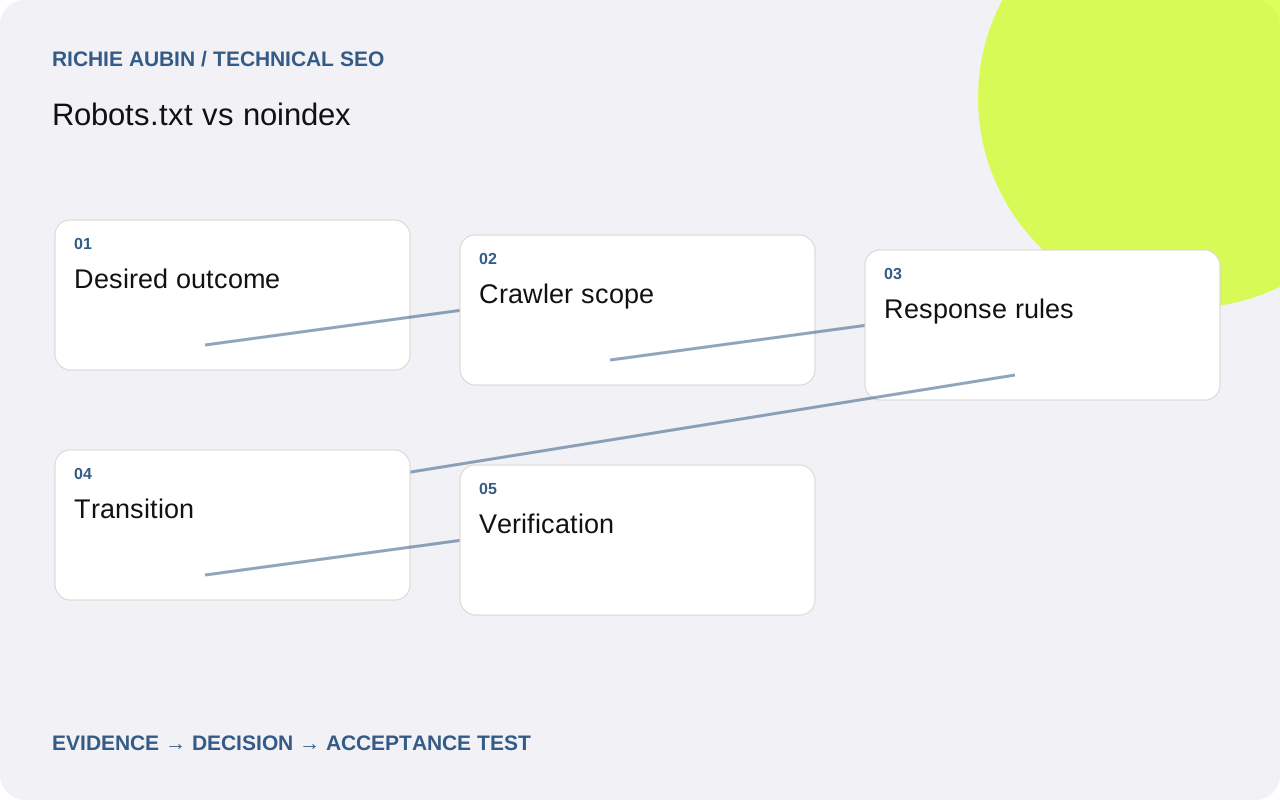
Decide whether access or search inclusion must change
Start with the operational requirement. Do you want to reduce requests to a large filter space, keep a useful public utility page out of search, retire an obsolete document, or protect confidential information? These are different jobs. Record the requirement before selecting a directive.
Robots.txt asks compliant crawlers not to fetch matching resources. Noindex must be delivered in a page or response header that Google can access. Neither is an authentication system. If material is private, restrict access at the application or server layer and review any copies already exposed.
For a public calculator that should remain usable but not searchable, noindex is usually the relevant indexing control. For an unneeded infinite calendar space, preventing crawl expansion may be appropriate. For a removed page, a genuine removal response may be clearer. Use the crawling and indexing overview to keep access, content processing and search representation separate when discussing requirements with the team.
Understand the scope of robots.txt
A robots.txt file applies to the host, protocol and port where it is served. A rule on one subdomain does not automatically govern another. Inspect the actual public file for every affected origin, including the hostname used by assets if rendering is involved.
Evaluate the applicable user-agent group and matching path rules. Broad patterns can catch more than their author intended, particularly when parameters or similarly named directories are involved. Build a test set containing intended matches and explicit exceptions. Do not assume a rule is safe because the first sample URL behaves correctly.
Keep resources needed for rendering accessible where the associated pages should be understood. Blocking a shared script directory can change the content Google can render without directly blocking article URLs. Google does not support noindex as a robots.txt directive. If an existing file contains that line, replace the assumed mechanism with a supported approach and verify the resulting behaviour. Treat the file as production routing configuration with review and ownership.
Inspect every place an indexing rule can appear
For HTML, noindex can appear in a robots meta element. It can also be sent through the X-Robots-Tag response header, which is useful for non-HTML resources such as PDFs. Inspect both locations. CMS plugins, application middleware, web servers and CDNs can each contribute rules.
Check generic and relevant crawler-specific directives. A permissive instruction in one place does not neutralise an applicable restrictive instruction elsewhere. A source-only HTML report can therefore look clean while the response remains excluded. Capture the final public GET response rather than inspecting only a template file.
Place the HTML rule in a valid head element and avoid depending on late JavaScript changes for basic publishing controls. Do not publish an initial noindex and expect client-side code to reliably remove it for search. For documents, verify the actual file response and download route separately. A header on an HTML landing page does not automatically govern the linked PDF, and the file may have its own search visibility requirements.
Sequence removal and crawl controls deliberately
If an indexed public page needs a noindex rule, Google must be able to revisit and read that rule. Adding a disallow simultaneously can prevent that observation. Establish crawl access, deliver the exclusion and monitor later evidence. Do not infer removal merely because your own crawler can see a meta tag.
At scale, the decision can involve a trade-off. Allowing a huge unwanted URL space to be fetched solely to communicate exclusions may create substantial load. Separate previously valuable or indexed URLs from arbitrary permutations and design the transition with the infrastructure team. There is no single blanket rule suitable for every parameter family.
If rapid search removal is needed, assess the appropriate temporary removal mechanism alongside a durable source change. Temporary hiding does not replace access protection or a lasting indexing decision. For crawler load rather than removal, examine crawl traps. A controlled URL generator may remove the reason for a broad restriction while preserving useful search landing pages.
Collect evidence that distinguishes conflicting explanations
An unwanted URL still appearing in search can have several explanations: Google has not revisited since the change, robots.txt prevents the rule being read, the rule is absent on the public response, or a different URL is being inspected. Check all four before adding another directive.
Your evidence checklist should include the exact URL, intended outcome, robots file and matching rule, response status, headers, HTML directives, last crawl timestamp and release date. Add the URL's inclusion in internal links and sitemaps. For a document, retain the content type and direct file address.
Compare the stored inspection result with a live test, recognising that the latter does not prove index removal. If a noindex rule unexpectedly affects useful pages, identify which serving layer added it and whether caching varies by path or cookie. Use Search Console indexing diagnosis to keep current delivery evidence separate from Google's earlier observations. Preserve examples from both affected and unaffected templates to locate the true configuration boundary.
Illustrative example: excluding public specification PDFs
Illustrative example: a manufacturer wants detailed public specification PDFs available to buyers but excluded from search. Their HTML product pages should remain searchable. A proposed robots rule blocks the entire downloads directory, yet that would prevent Google from reading any indexing header on those files.
The alternative implementation sends an X-Robots-Tag noindex header for the selected specification PDFs and keeps them crawlable. Product pages retain ordinary links for visitors. Installation manuals are explicitly excluded from this rule because the business wants those documents discoverable in search. File type alone is therefore too broad a selector.
Test the PDF itself, any redirecting download endpoint and the final storage response. An application header can disappear when the browser is redirected to object storage. Check a selected specification, a retained manual and an HTML product page through the public delivery path.
The example's acceptance condition is correct header delivery for each document class. Later crawler observations establish whether the change has been seen. It does not claim an immediate removal outcome or guarantee how quickly Google will revisit.
Specify tests and rollback before deployment
For robots changes, require an exact expected allow or disallow outcome for every test URL and crawler group in scope. Include category pages, product pages, query variants, assets and near-matching paths. Store the previous file and review the diff rather than replacing it with an unexamined generic version.
For noindex changes, require the expected rule on the final response and its absence from unaffected public pages. Test published, draft, preview and archived states. Check caching after invalidation and from a clean request context. Verify a direct PDF request when the change includes files.
Rollback risks differ. Removing a broad robots restriction can trigger renewed requests to expensive routes. Removing noindex can make public pages eligible for search but will not secure private content. Reinstating a blanket rule may also hide the corrective directive from crawlers. Define a narrow rollback that restores the intended publishing boundary and server protection. Name who can change application headers, CDN rules and robots files so the recovery does not stall between teams.
Avoid false confidence from combined restrictions
More restrictive settings do not automatically produce a more reliable outcome. A canonical is a preference among equivalent pages, while noindex excludes a page. Combining them without a clear objective can confuse diagnosis. If consolidation is the goal, consult canonical-tag implementation rather than using exclusion as a substitute.
A local robots tester establishes how its parser interprets a rule; it does not establish that Google has fetched that version. A missing crawler request in origin logs does not prove blocking when the CDN may serve the request. A successful browser visit does not prove that every crawler is allowed.
Review exclusions after redesigns, new templates and environment promotions. Staging restrictions can travel into production through headers even when the visible robots file looks permissive. Maintain a small production test set that checks the intended boundary after releases. The useful standard is not a file with many rules. It is predictable, verified behaviour for the specific pages and resources the business has chosen to expose.
Frequently asked questions
Can robots.txt guarantee that a URL disappears from Google?
No. Blocking crawling is not a reliable instruction to remove a URL from search. Google may know the address through other links without fetching its content. For an accessible public page that should be excluded, use a supported noindex mechanism and allow Google to read it.
Should I use both disallow and noindex on the same page?
Do not combine them as an automatic precaution. A disallow can prevent Google from fetching the response containing noindex. Decide whether you need crawl control or index exclusion, then plan any transition around previously indexed URLs, server capacity and the evidence available.
How do I exclude a PDF without changing its contents?
Deliver an appropriate X-Robots-Tag response header on the PDF response. Check the final URL after redirects, including external storage delivery. Keep the file crawlable for Google to read the header. Confirm that other document types sharing the download infrastructure receive their intended rules.
Is noindex suitable for confidential files?
No. Noindex concerns compliant search engines, not access security. Protect confidential files with authentication and appropriate authorisation, and review direct storage URLs and caches. A public file remains accessible to anyone who knows its address even when it is excluded from search.